Discover a wide range of free online tools designed to make everyday tasks easier. From text and image utilities to calculators, converters, and developer tools, all our browser-based tools are fast, secure, and require no registration—perfect for students, professionals, and hobbyists alike.

Our Free AI Content Detector. Get an originality score, detect ChatGPT and Gemini content, and ensure your work is 100% human-written.
Use Tool
Easily analyze the content of any website by simply entering its URL. Our AI-powered tool will summarize the page and allow you to chat with...
Use Tool
With Discord Timestamp Generator you can generate dynamic Discord timestamps that automatically convert to each user's local timezone.
Use Tool
Analyze your website's backlink profile instantly with our free online Backlink Checker Tool. Find up to 100 backlinks and referring domains for any URL or...
Use Tool
Create a professional, HTML-formatted email signature in minutes with our 100% free **Email Signature Generator Add logos, social icons, photos, and contact details easily. Compatible...
Use Tool
Generate unique and stylish Free Fire nicknames with symbols and fancy fonts instantly. Use our free online Free Fire Nickname Generator to create the perfect...
Use Tool
Discover thousands of low-competition keywords with our 100% free keyword research tool. Get instant data on search volume, difficulty, and CPC to fuel your SEO...
Use Tool
Take a free Hindi typing test online to check your typing speed, accuracy, and errors. Supports InScript, Remington, and Google Input Tools.
Use Tool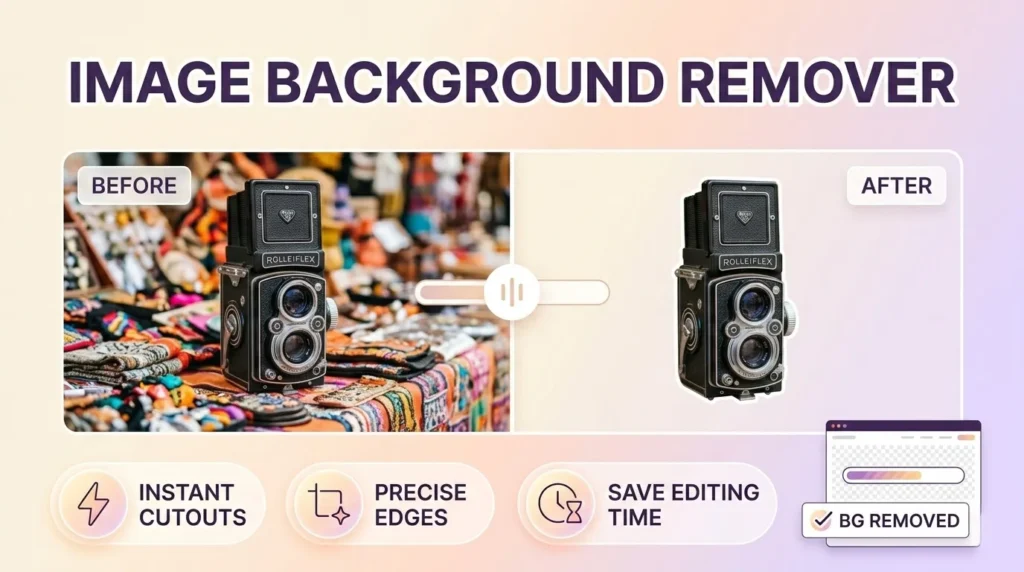
Use our Photo Background Remover to automatically delete image backgrounds in one click. Get clean, professional cutouts.
Use Tool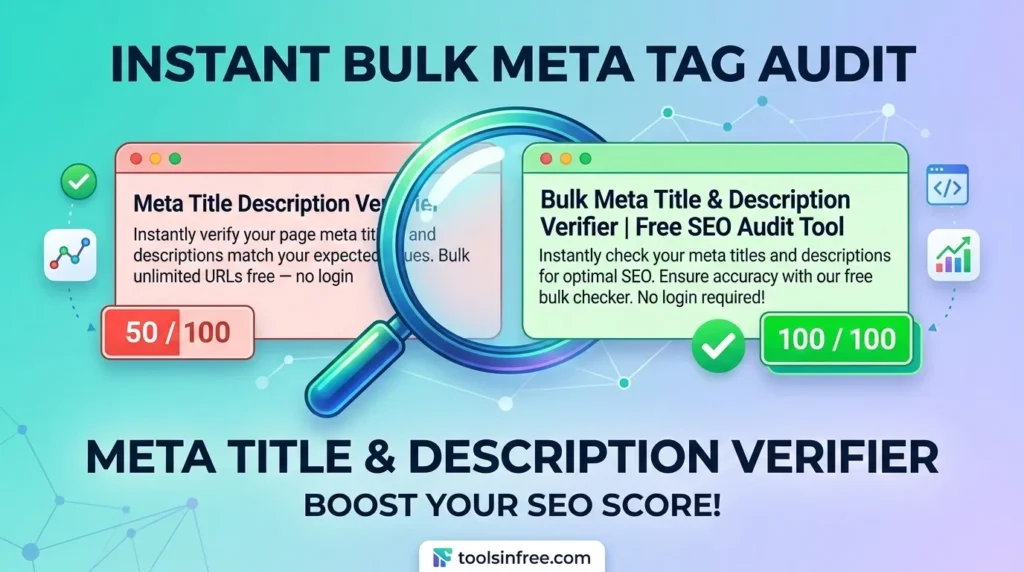
Looking for a free Meta Title Description Verifier? Bulk check unlimited URLs to ensure your snippets are accurate and SEO-friendly. Try the tool for free...
Use ToolMake websites more accessible with free online accessibility tools. Check contrast, validate HTML, test screen reader compatibility, and improve usability—all…
2 Tools
View ToolsExplore a collection of free AI tools designed to simplify tasks and boost productivity. From text generation and image creation…
10 Tools
View ToolsSave time with free bulk tools for mass processing tasks. Convert multiple files, generate multiple items, or analyze large data…
3 Tools
View ToolsSimplify your calculations with our free online calculator tools. From basic arithmetic to financial, scientific, and unit calculators, get accurate…
1 Tool
View ToolsConvert files, units, and media effortlessly with our free online conversion tools. Change PDFs to Word, images to different formats,…
8 Tools
View ToolsCreate professional-quality designs easily with our free online design tools. Design logos, posters, banners, thumbnails, and social media graphics—all in…
7 Tools
View ToolsAccess a collection of free developer tools online to streamline coding, debugging, and web development. Format code, test APIs, validate…
8 Tools
View ToolsQuickly generate dummy data for testing and development with free online tools. Create random names, emails, text, or numbers—all browser-based…
1 Tool
View ToolsSimplify email management with free online email tools. Generate temporary emails, validate addresses, or format messages—all fast, secure, and browser-friendly.
3 Tools
View ToolsHave fun online with free entertainment tools. Generate random names, create memes, pick lottery numbers, or design avatars—fast, browser-based, and…
1 Tool
View ToolsEnhance your Free Fire gaming experience with our free online Free Fire tools. From stats trackers to in-game utilities, our…
2 Tools
View ToolsFormat text, code, or data quickly with free online formatting tools. Beautify code, clean text, or structure data—all fast, browser-based,…
1 Tool
View ToolsEdit, convert, and optimize images online with our free image tools. Resize, compress, crop, remove backgrounds, and convert images between…
5 Tools
View ToolsDiscover the best keywords for your website, blog, or online business with free keyword research tools. Analyze search volume, competition,…
1 Tool
View ToolsBoost your website authority with free off-page SEO tools. Check backlinks, monitor domain authority, and analyze link profiles—all online, secure,…
10 Tools
View ToolsImprove your website’s search engine performance with free on-page SEO tools. Analyze content, meta tags, headings, and keywords directly in…
16 Tools
View ToolsBoost your productivity with our free office tools. Create notes, generate QR codes, check word counts, format text, and manage…
6 Tools
View ToolsProtect your data with free online security and privacy tools. Generate strong passwords, encrypt text, validate emails, and keep your…
1 Tool
View ToolsBoost your website’s visibility and rankings with our free SEO tools. Analyze keywords, check backlinks, audit pages, and optimize meta…
17 Tools
View ToolsManage, optimize, and grow your social media presence with free online tools. Schedule posts, generate content, analyze performance, and track…
4 Tools
View ToolsSimplify text editing and formatting with our free online text tools. Analyze, convert, clean, or transform text easily—all browser-based, fast,…
4 Tools
View ToolsCreate, design, and optimize websites with free web designer tools. Generate mockups, test colors, resize images, and more—all fast, browser-based,…
15 Tools
View ToolsEnsure your website performs at its best with free web testing tools. Check speed, mobile-friendliness, accessibility, SEO, and more—all online,…
6 Tools
View ToolsAccess a collection of essential web tools online. Convert files, test websites, compress images, and perform other web tasks—all free,…
17 Tools
View ToolsEnhance your YouTube experience with free online tools. Download videos, analyze channels, create thumbnails, and manage content effortlessly. All browser-based,…
5 Tools
View ToolsCreate unique and creative names effortlessly with free online name generator tools. Generate names for businesses, games, social media, brands,…
5 Tools
View ToolsA WhatsApp link generator creates a clickable URL that opens a WhatsApp chat with a specific number instantly, without the other person needing to save your contact first. When someone clicks the link, WhatsApp opens directly with the number pre-loaded and your custom message already typed. One click, and the conversation starts.
These links use WhatsApp’s official wa.me format: https://wa.me/[country code][number]?text=[message]. Our tool builds this URL for you automatically — no coding, no URL encoding, no manual formatting needed.
https://wa.me/919876543210?text=Hi%2C+I+want+to+place+an+order opens WhatsApp with that number and drops “Hi, I want to place an order” into the message box. The user just taps Send.Using the WhatsApp link generator above takes under 30 seconds. Here is exactly what to do:
Pick your country from the dropdown — India is set by default. Enter your WhatsApp number without the country code, the tool adds it automatically.
Optionally type a message that will appear pre-filled when someone clicks your link. Keep it short, friendly, and action-oriented.
Click Generate Link, copy your wa.me URL, and paste it anywhere — your website, Instagram bio, email signature, or WhatsApp Business profile.
WhatsApp supports three official URL formats for click-to-chat links. Each works differently depending on the device and whether the app is installed. Here is the complete breakdown:
| Format | Best For | Opens In | Example |
|---|---|---|---|
| wa.me | General sharing — websites, social media, emails | App if installed, WhatsApp Web if not | https://wa.me/919876543210 |
| api.whatsapp.com | Developers, advanced integrations, Business API | App or browser redirect | https://api.whatsapp.com/send?phone=91... |
| web.whatsapp.com | Desktop users, laptop-first audiences | WhatsApp Web in browser only | https://web.whatsapp.com/send?phone=91... |
For 99% of use cases, wa.me is the right choice. It is WhatsApp’s recommended short link format, works on all devices, and automatically redirects to the app or web version based on what the user has installed.
wa.me/919876543210, not wa.me/+91-98765-43210.A WhatsApp link works on any platform that supports hyperlinks. These are the placements that drive the most conversations:
Replace or supplement your contact form with a Chat on WhatsApp button. Customers who want instant answers convert far better here than on forms.
Instagram allows only one clickable link. A WhatsApp link in the bio turns followers directly into conversations without any DM delays.
Add a WhatsApp me link in your email signature. Every email you send becomes a low-friction channel for replies and follow-ups.
Meta supports WhatsApp click-to-chat as an ad CTA. Use a pre-filled message like “I saw your ad” to track which campaigns are converting.
Add a WhatsApp button on product pages for pre-sales questions. Customers who can ask before buying are more likely to complete the purchase.
Use the QR code version of your link on physical materials — business cards, brochures, packaging, and storefront posters.
On campaign landing pages, a WhatsApp CTA often outperforms phone calls and forms — especially on mobile where the app is always open.
Place your WhatsApp link in every YouTube video description. Viewers who watch till the end are high-intent — give them a direct way to reach you.
The pre-filled message is the most underused feature of WhatsApp links. Done right it reduces friction, guides the conversation, and tells you exactly where a lead came from.
WhatsApp links work identically for both personal and Business accounts. However, there are important differences in what each gets from using them:
Best for freelancers, creators, and individuals who handle their own client communication. A WhatsApp link lets people contact you without you having to post your phone number everywhere publicly.
WhatsApp Business accounts get additional advantages. If you have set up a Business Profile, the person clicking your link sees your business name, category, description, and website before sending a message — building instant credibility. Quick Replies and Away Messages also trigger automatically when conversations start through the link.
No. This is the main advantage of WhatsApp click-to-chat links. The person clicking your link can send you a message even if they have never saved your number. WhatsApp shows a confirmation screen, and once they confirm the conversation opens with your pre-filled message ready to send.
Yes, completely free with no limits. No account required, no watermarks on QR codes. The Bulk Generator lets you create up to 50 links at once and download them as a CSV. Nothing is stored on our servers — all processing happens in your browser.
This happens on desktop and laptop computers where WhatsApp Web needs to verify your session. The browser page asks “Open WhatsApp?” and clicking it launches the app or WhatsApp Web. This is normal WhatsApp behaviour on desktop, not a broken link. On mobile with the app installed, the link opens WhatsApp directly with no intermediate page.
India’s country code is +91. Our generator selects India by default. If your number is 9876543210, the full number in the link becomes 919876543210 — the tool handles this automatically. Do not add a leading 0. Enter 9876543210, not 09876543210. The leading zero is only used for domestic calls and must not appear in international format URLs.
Yes. Instagram allows one clickable link in your bio and WhatsApp links work perfectly there. Generate your link, go to your Instagram profile, tap Edit Profile, and paste the link in the Website field. When followers tap it, WhatsApp opens directly. This is one of the most effective ways to convert Instagram followers into direct conversations.
If someone clicks a wa.me link without WhatsApp installed, they land on a WhatsApp page in the browser showing your number with a Send Message option via WhatsApp Web. They can also download the app from that page. The conversation does not fail — it just requires one extra step on their end.
Generate your link using the tool above. In WordPress, add a Button block in Gutenberg or a button element in Elementor, paste your WhatsApp URL as the button link, and set it to open in a new tab. For a floating WhatsApp button visible on every page, add it to your theme’s footer area via Appearance — Theme Editor or using a footer plugin.
Your phone number is embedded in the link URL so anyone who has the link can see your number. This is a deliberate trade-off — the link exists to make it easy for people to contact you. For most businesses and individuals, sharing the link publicly is standard practice. If you want to keep your personal number private, use a separate WhatsApp Business number for public-facing links.
